You can prevent users from creating organizations on your GitHub Enterprise appliance.
As a site admin, sign in to your GitHub Enterprise instance at
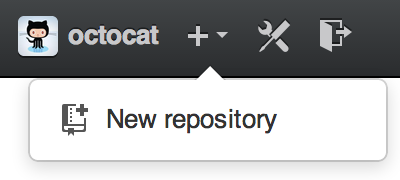
http(s)://[hostname]/login.In the upper-right corner of any page, click .

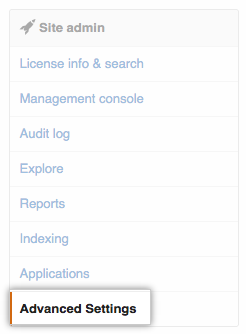
In the left sidebar, click Advanced Settings.
Under Add a new setting, type
disable_user_org_creationas a key andtrueas its value (leaving Default selected).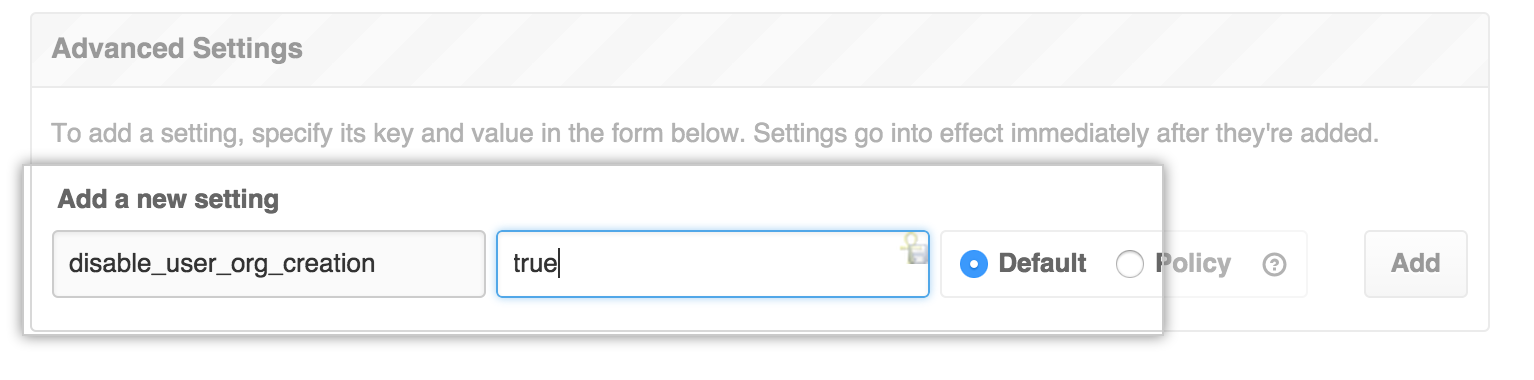
- Click Add.

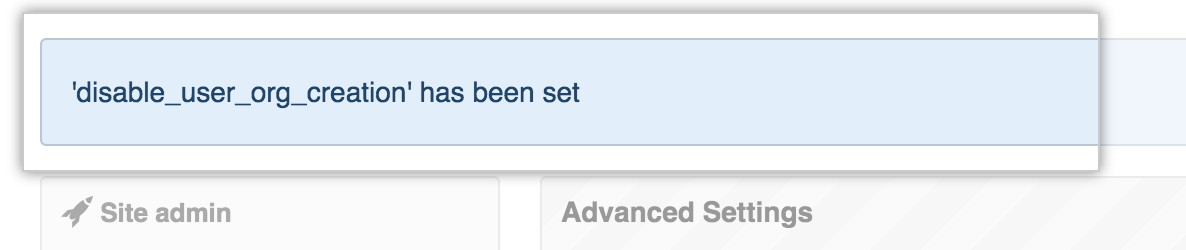
You should now see the new setting listed:
Users (everyone except site administrators) will no longer be able to create organizations: