Ensure that your instance is properly configured before booting up your GitHub Enterprise instance for the first time.
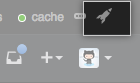
In the upper-right corner of any page, click .
In the left sidebar, click Management Console.
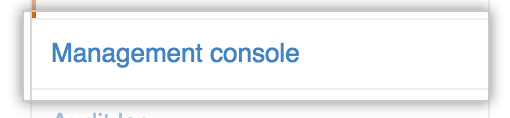
At the top of the Management Console, click Settings.

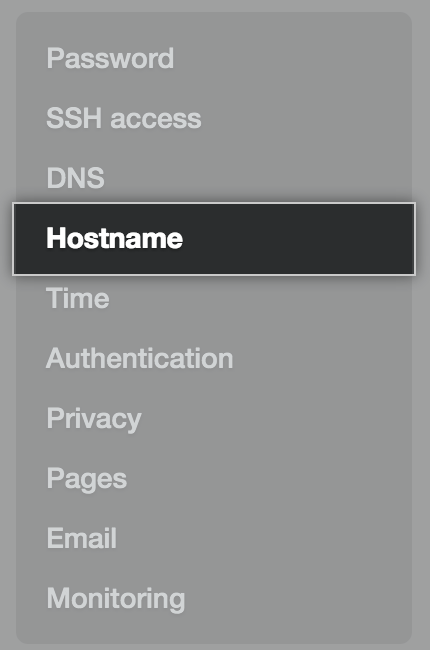
In the left sidebar, click Hostname.
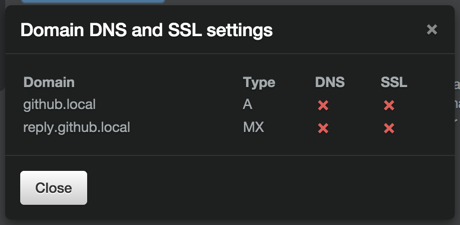
Click Test domain settings.
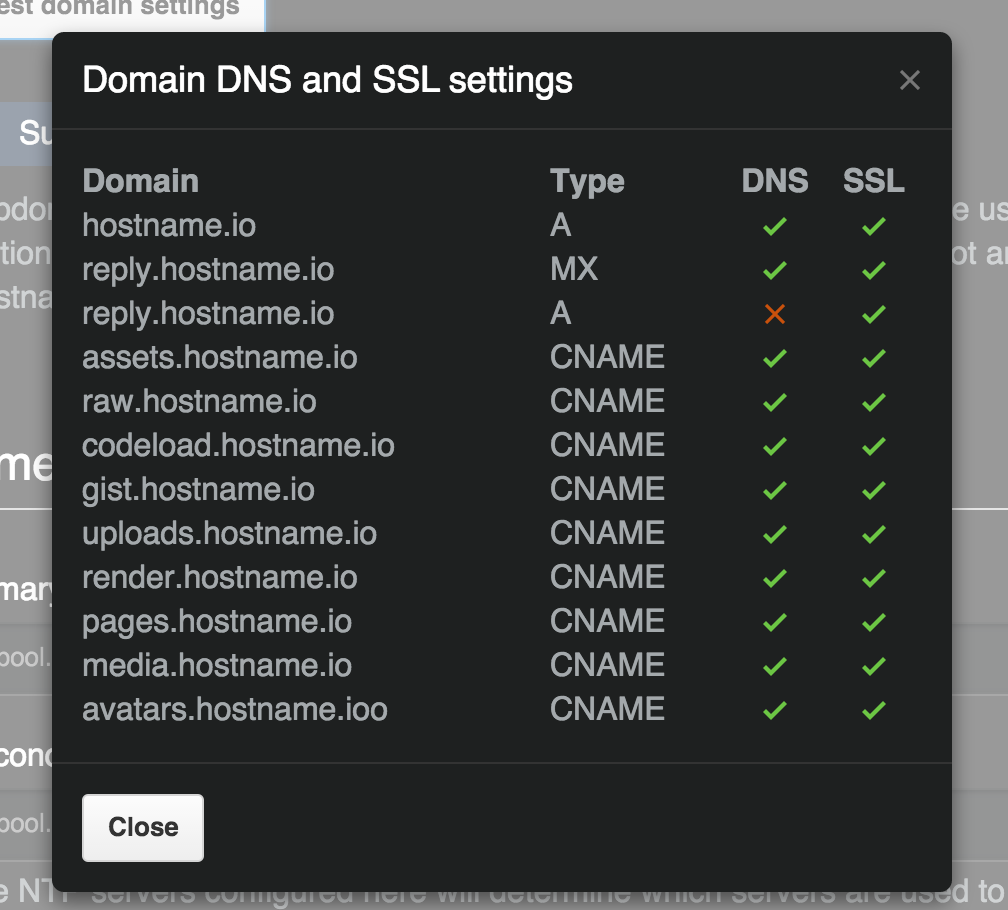
- If you don't receive a green checkmark next to all entries, review your configuration for the setting that failed.
- At the bottom of the Management Console configuration page, click Save settings.