Nota:
El administrador del sitio debe habilitar code scanning antes de que puedas utilizar esta característica. Si quieres utilizar GitHub Actions para escanear tu código, el administrador de sitio también puede habilitar las GitHub Actions y configurar la infraestructura que se requiera. Para más información, consulta Configuración la digitalización de código para el dispositivo.
Nota:
En este artículo, se describen las características disponibles con la versión de la acción CodeQL y el paquete CodeQL CLI asociado incluido en el lanzamiento inicial de esta versión de GitHub Enterprise Server. Si en la empresa se usa una versión más reciente de la acción CodeQL, consulta la versión de GitHub Enterprise Cloud de este artículo para obtener información sobre las características más recientes. Para obtener información sobre el uso de la última versión, consulta Configuración la digitalización de código para el dispositivo.
If you do not need a highly customizable code scanning configuration, consider using default setup for code scanning. For more information, see Acerca de los tipos de configuración para el examen de código.
Prerequisites
Your repository is eligible for advanced setup if it meets these requirements.
- It uses CodeQL-supported languages or you plan to generate code scanning results with a third-party tool.
- GitHub Actions está habilitado.
- GitHub Advanced Security se ha habilitado.
If the server on which you are running GitHub Enterprise Server is not connected to the internet, your site administrator can enable CodeQL code scanning by making the CodeQL analysis bundle available on the server. For more information, see Configuración la digitalización de código para el dispositivo.
Configuring advanced setup for code scanning with CodeQL
You can customize your CodeQL analysis by creating and editing a workflow file. Selecting advanced setup generates a basic workflow file for you to customize using standard workflow syntax and specifying options for the CodeQL action. See Flujos de trabajo and Opciones de configuración de flujo de trabajo para el examen de código.
-
En GitHub, navegue hasta la página principal del repositorio.
-
Debajo del nombre del repositorio, haz clic en Settings. Si no puedes ver la pestaña "Configuración", selecciona el menú desplegable y, a continuación, haz clic en Configuración.

-
En la sección "Security" de la barra lateral, haz clic en Code security.
-
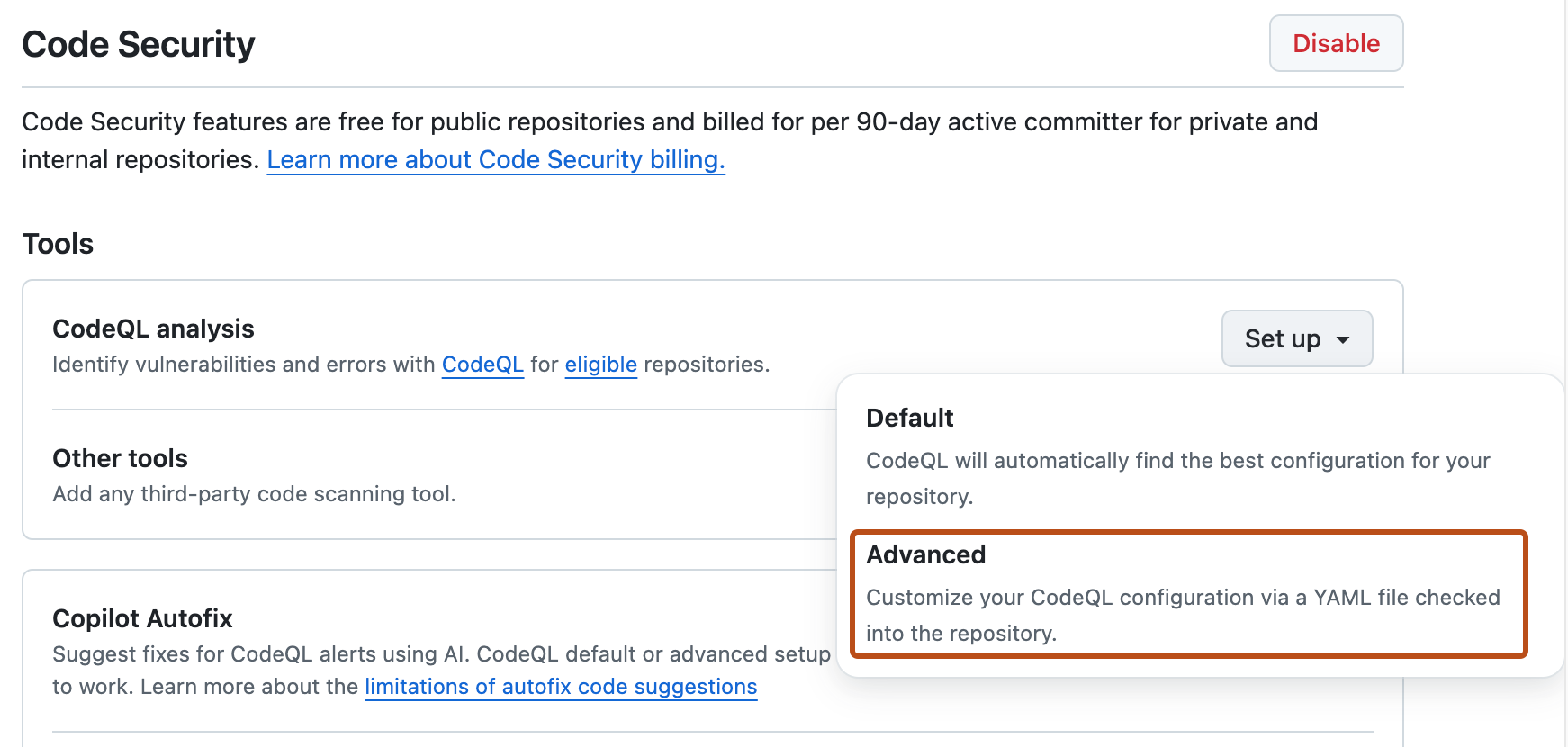
Scroll down to "Code scanning", in the "CodeQL analysis" row select Set up , then click Advanced.
Nota:
If you are switching from default setup to advanced setup, in the "CodeQL analysis" row, select , then click Switch to advanced. In the pop-up window that appears, click Disable CodeQL.
-
To customize how code scanning scans your code, edit the workflow.
Generally, you can commit the Flujo de trabajo de análisis de CodeQL without making any changes to it. However, many of the third-party workflows require additional configuration, so read the comments in the workflow before committing.
For more information, see Opciones de configuración de flujo de trabajo para el examen de código and CodeQL code scanning for compiled languages.
-
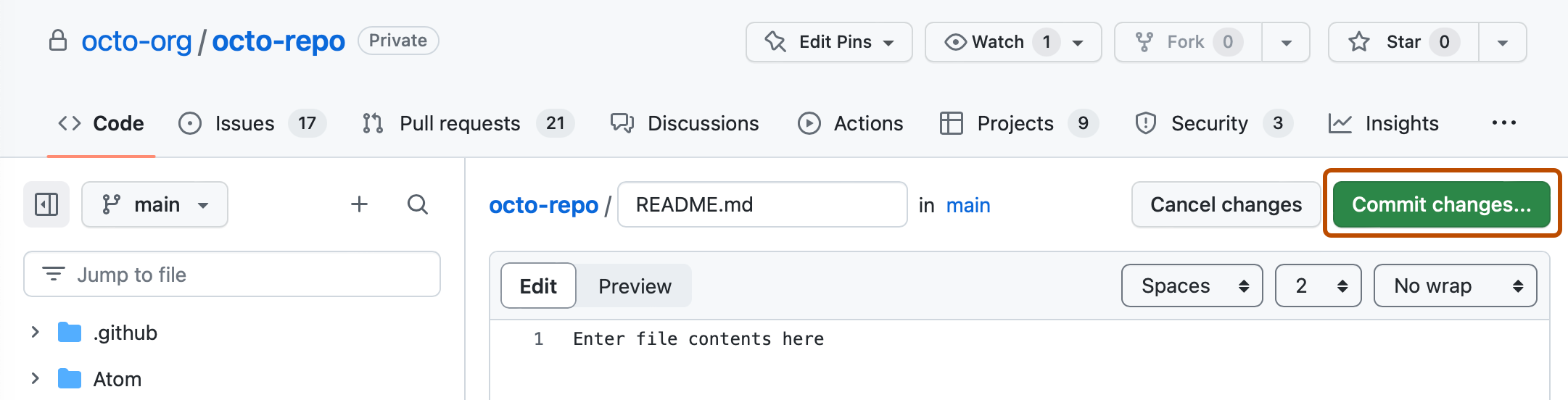
Click Commit changes... to display the commit changes form.
-
In the commit message field, type a commit message.
-
Choose whether you'd like to commit directly to the default branch, or create a new branch and start a pull request.
-
Click Commit new file to commit the workflow file to the default branch or click Propose new file to commit the file to a new branch.
-
If you created a new branch, click Create pull request and open a pull request to merge your change into the default branch.


In the suggested Flujo de trabajo de análisis de CodeQL, code scanning is configured to analyze your code each time you either push a change to the default branch or any protected branches, or raise a pull request against the default branch. As a result, code scanning will now commence.
The on:pull_request and on:push triggers for code scanning are each useful for different purposes. See Opciones de configuración de flujo de trabajo para el examen de código and Activar un flujo de trabajo.
For information on bulk enablement, see Establecimiento de la configuración avanzada para el examen de código con CodeQL a gran escala.
Next steps
After your workflow runs successfully at least once, you are ready to start examining and resolving code scanning alerts. For more information on code scanning alerts, see Acerca de las alertas de análisis de código and Evaluación de alertas de análisis de código para el repositorio.
Learn how code scanning runs behave as checks on pull requests, see Clasificar las alertas del escaneo de código en las solicitudes de cambios.
You can find detailed information about your code scanning configuration, including timestamps for each scan and the percentage of files scanned, on the tool status page. For more information, see Use the tool status page for code scanning.