Diese Version von GitHub Enterprise Server wird eingestellt am 2026-04-09. Es wird keine Patch-Freigabe vorgenommen, auch nicht für kritische Sicherheitsprobleme. Für bessere Leistung, verbesserte Sicherheit und neue Features aktualisiere auf die neueste Version von GitHub Enterprise Server. Wende dich an den GitHub Enterprise-Support, um Hilfe zum Upgrade zu erhalten.

Anzeigen des Branchverlaufs in GitHub Desktop

Du kannst Details zu einem beliebigen Commit in GitHub Desktop anzeigen, einschließlich einer Differenzansicht der Änderungen, die durch den Commit eingeführt wurden.

Platform navigation

Each commit shows:

  • The commit message
  • The time the commit was created
  • The committer's username and profile picture (if available)
  • The commit's SHA-1 hash (the unique ID)
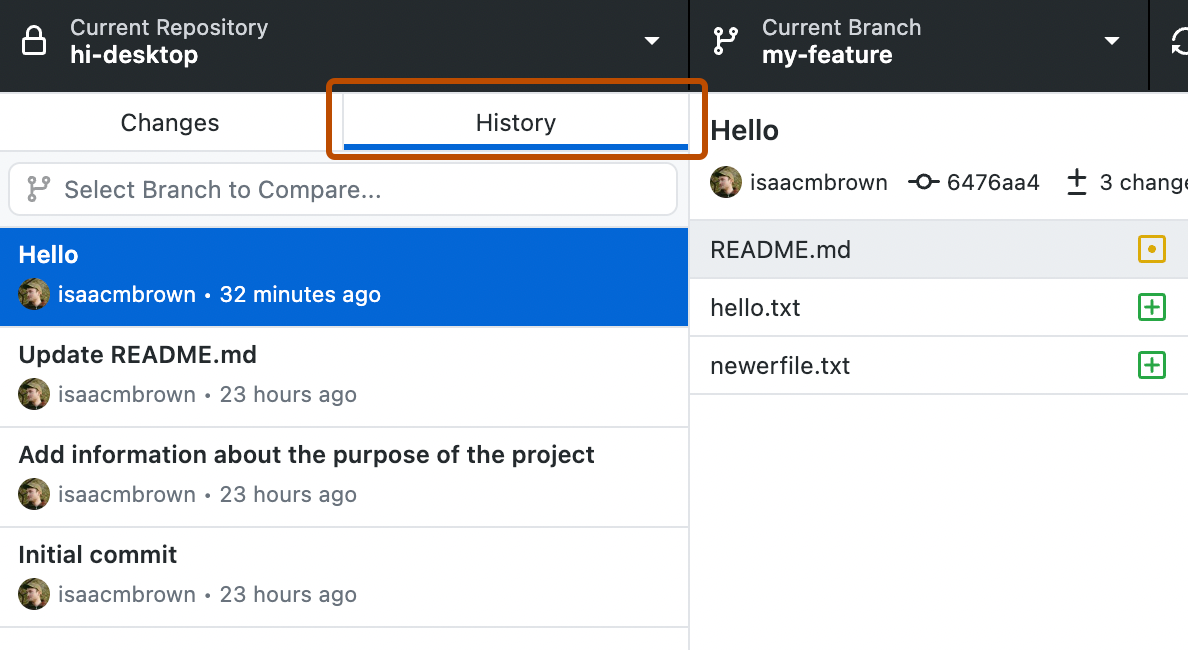
  1. In the left sidebar, click History.

    Screenshot of the "History" tab in the sidebar. Above a list of commits, the tab button, labeled "History", is highlighted with an orange outline.

  2. On the History tab, click the commit you'd like to review.

    You can also select a range of multiple consecutive commits using Command or Shift.

    You can also select a range of multiple consecutive commits using Ctrl or Shift.
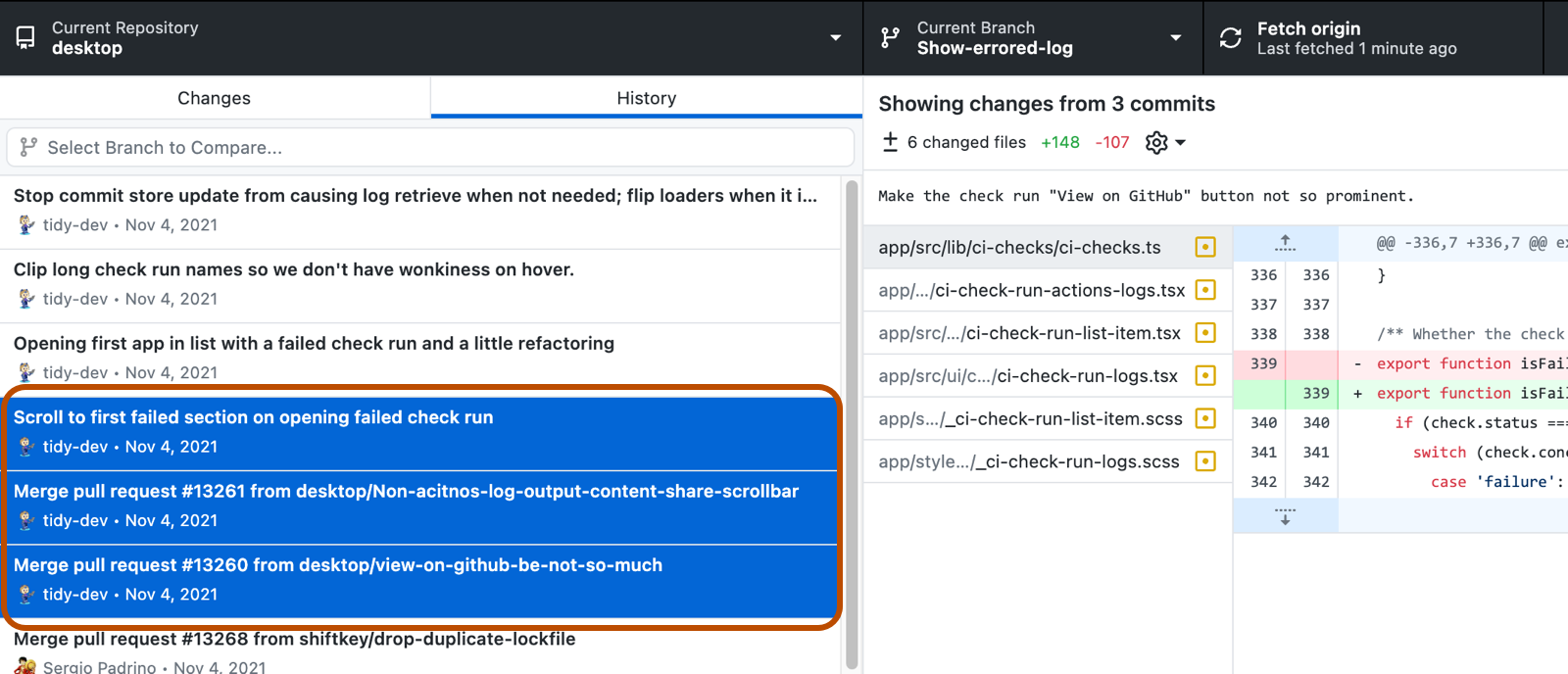
    Screenshot of a list of commits in the "History" tab. Three consecutive selected commits are highlighted in blue and outlined in orange.

  3. If there are multiple files in the commit or range of commits, click on an individual file to see the changes made to that file.
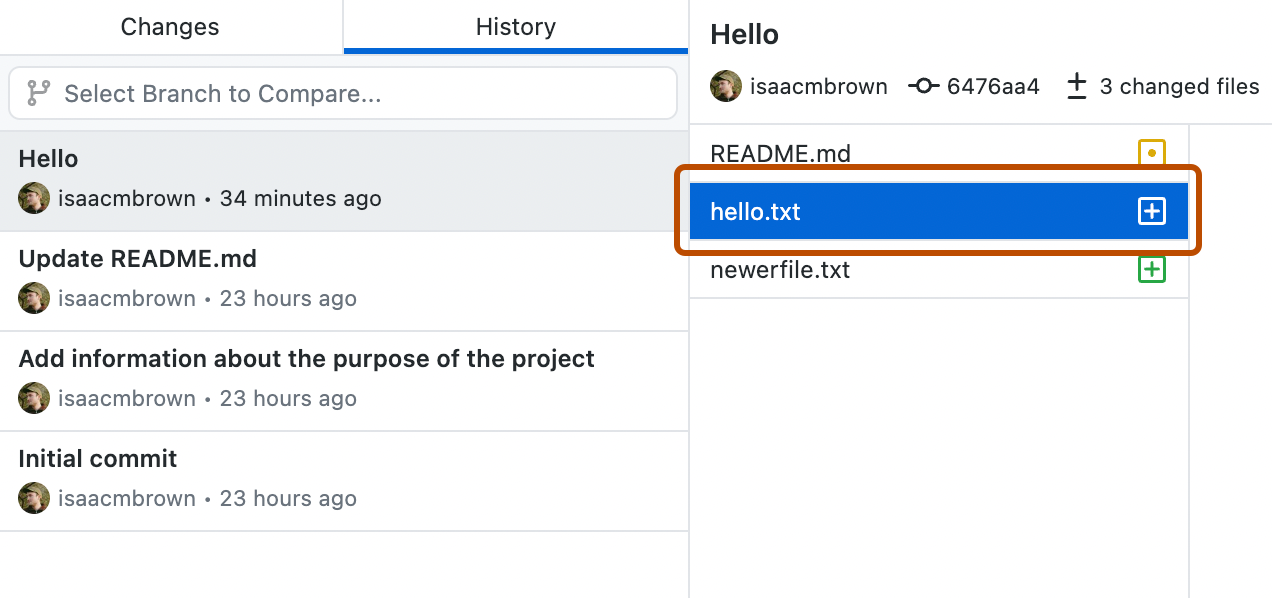
    Screenshot of a commit view. To the right of the "History" tab, the "hello.txt" file is selected from a list and highlighted with an orange outline.

Further reading