-
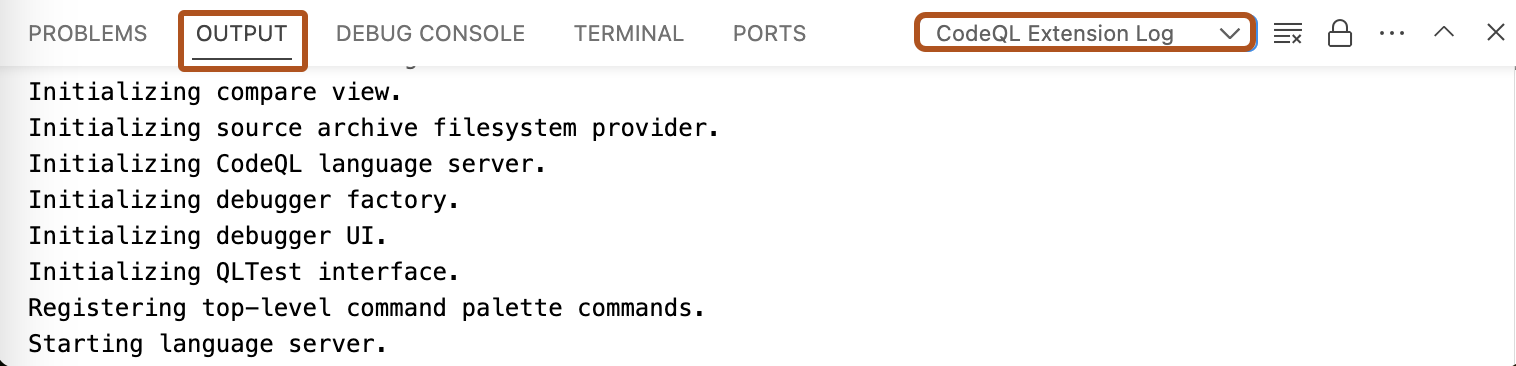
In Visual Studio Code, open the "Output" window.
-
Use the dropdown to select the log view you need. For example, "CodeQL Extension Log".
このバージョンの GitHub Enterprise サーバーはこの日付をもって終了となります: 2026-04-09. 重大なセキュリティの問題に対してであっても、パッチリリースは作成されません。 パフォーマンスの向上、セキュリティの向上、新機能の向上を図るために、最新バージョンの GitHub Enterprise サーバーにアップグレードしてください。 アップグレードに関するヘルプについては、GitHub Enterprise サポートにお問い合わせください。
Accessing logs for CodeQL in Visual Studio Code
If you need to troubleshoot problems with CodeQL for Visual Studio Code, there are several logs you can access.
