
이 버전의 GitHub Enterprise Server는 다음 날짜에 중단됩니다. 2026-04-09. 중요한 보안 문제에 대해서도 패치 릴리스가 이루어지지 않습니다. 더 뛰어난 성능, 향상된 보안, 새로운 기능을 위해 최신 버전의 GitHub Enterprise Server로 업그레이드합니다. 업그레이드에 대한 도움말은 GitHub Enterprise 지원에 문의하세요.

GitHub Desktop에서 리포지토리에 대한 원격 URL 변경하기

GitHub Desktop에서 작업 중인 리포지토리의 원격 URL을 변경할 수 있습니다. 리포지토리의 이름이 변경되었거나 리포지토리를 소유하는 사용자 이름 또는 조직이 변경된 경우 이 작업을 수행할 수 있습니다.

Platform navigation

  1. In the "GitHub Desktop" menu bar, select Repository and click Repository Settings....
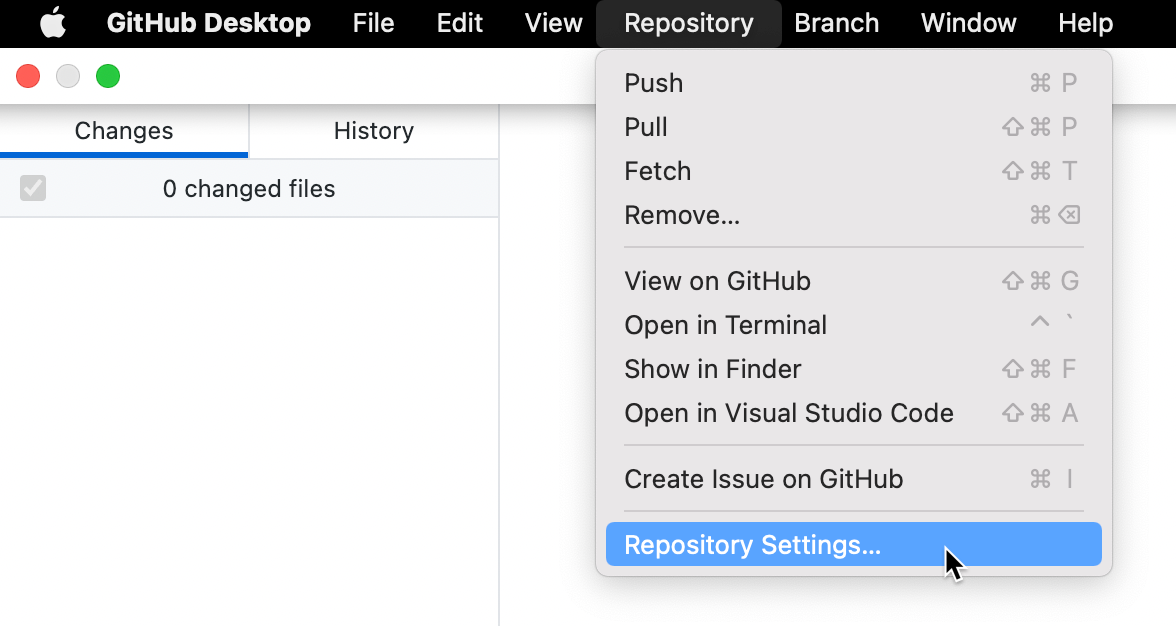
    Screenshot of the menu bar on a Mac. In the open "Repository" dropdown menu, a cursor hovers over "Repository Settings", highlighted in blue.

  2. On the Remote pane, under "Primary remote repository", type the desired URL.

  3. Click Save.

  1. In the Repository menu, click Repository settings....
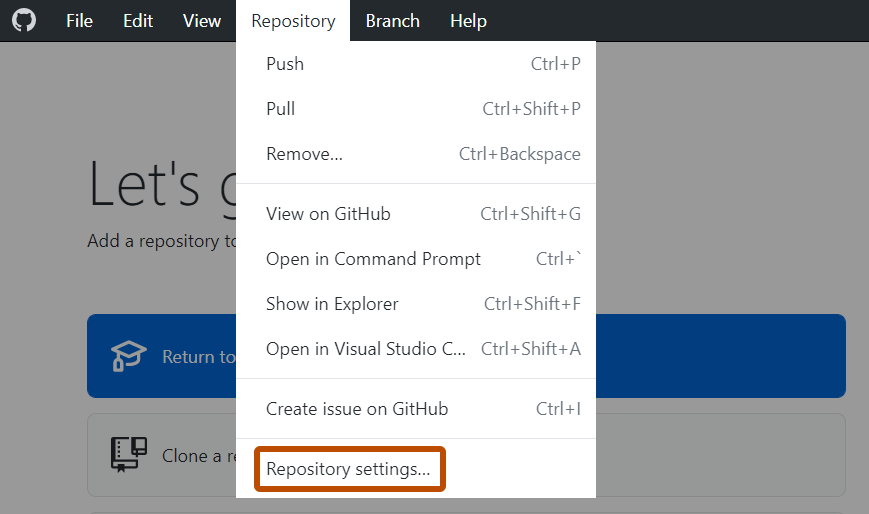
    Screenshot of the "GitHub Desktop" menu bar on Windows. In the open "Repository" dropdown menu, "Repository Settings" is outlined in orange.

  2. On the Remote pane, under "Primary remote repository", type the desired URL.

  3. Click Save.