
Эта версия GitHub Enterprise Server будет прекращена 2026-04-09. Исправления выпускаться не будут даже при критических проблемах безопасности. Для повышения производительности, повышения безопасности и новых функций выполните обновление до последней версии GitHub Enterprise Server. Чтобы получить справку по обновлению, обратитесь в службу поддержки GitHub Enterprise.

Изменение удаленный URL-адрес репозитория в GitHub Desktop

Вы можете изменить удаленный URL-адрес репозитория, с которым вы работаете в GitHub Desktop. Это можно сделать, если репозиторий переименован или имя пользователя или организация, принадлежащие репозиторию, изменились.

Platform navigation

  1. In the "GitHub Desktop" menu bar, select Repository and click Repository Settings....
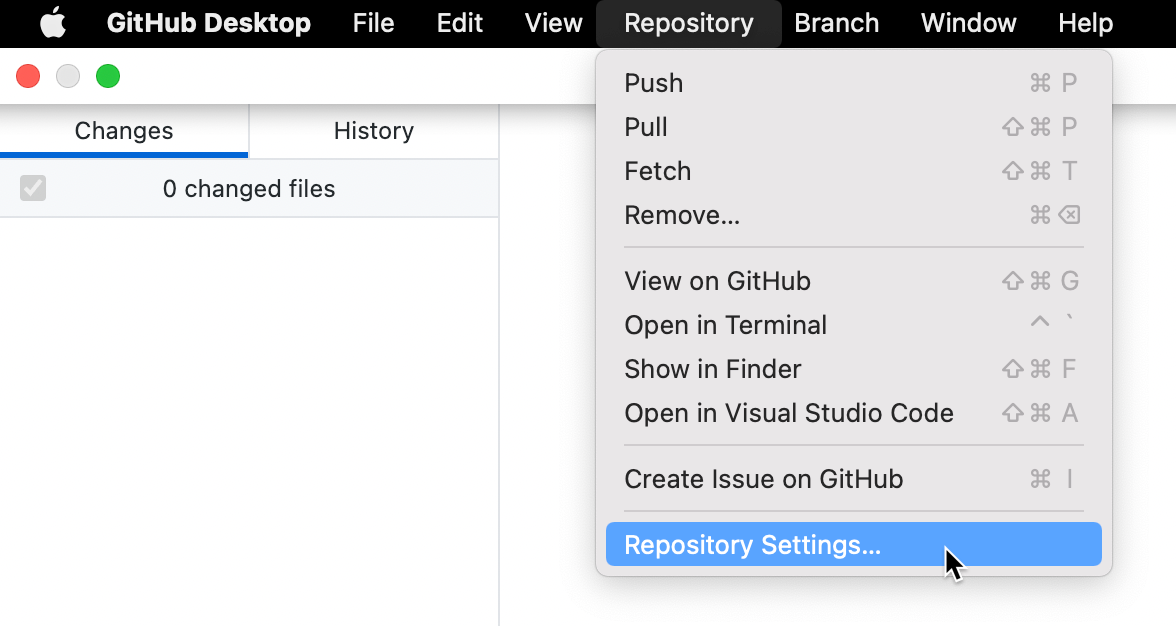
    Screenshot of the menu bar on a Mac. In the open "Repository" dropdown menu, a cursor hovers over "Repository Settings", highlighted in blue.

  2. On the Remote pane, under "Primary remote repository", type the desired URL.

  3. Click Save.

  1. In the Repository menu, click Repository settings....
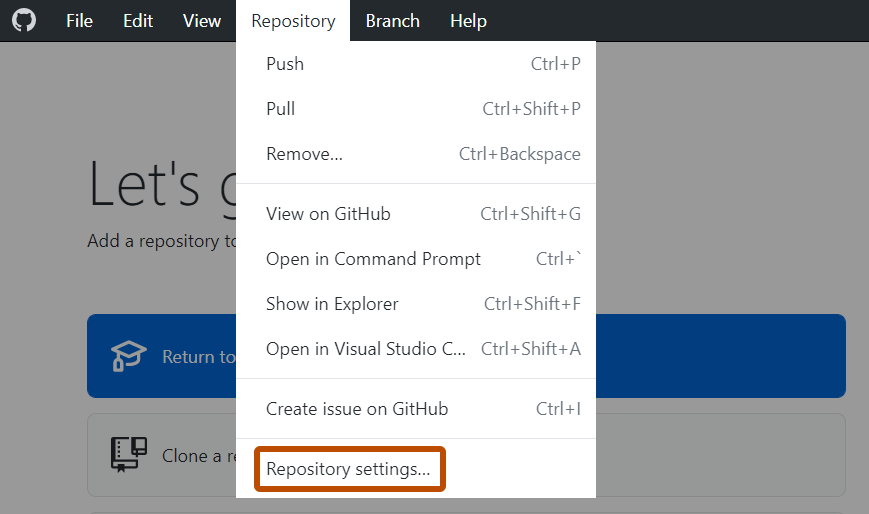
    Screenshot of the "GitHub Desktop" menu bar on Windows. In the open "Repository" dropdown menu, "Repository Settings" is outlined in orange.

  2. On the Remote pane, under "Primary remote repository", type the desired URL.

  3. Click Save.